Independent comparison based on the products' published information checked on 29 October 2026, not hands-on benchmark testing. Product links below are direct links, not affiliate links. Features, limits and prices may change.
The quick answer
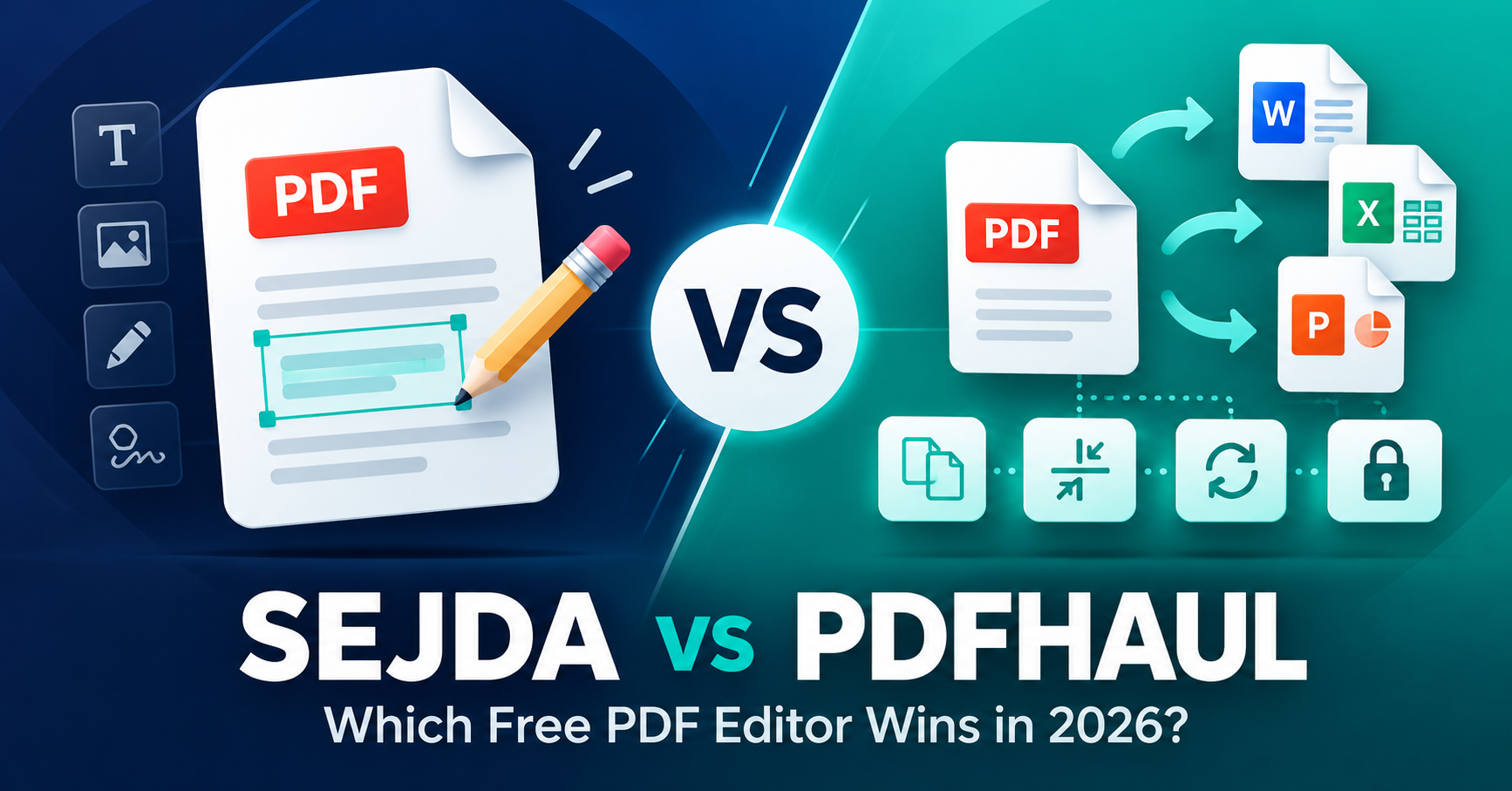
Sejda for editing existing text; PDFHaul for everyday processing
Sejda has the edge if you need to correct words already in a PDF or work offline. PDFHaul is compelling if your priority is free conversions, merging, OCR and reusable processing workflows.
My recommendation is to try both with a non-sensitive sample file. They solve overlapping but not identical problems.
A client sends a PDF that needs one correction. Another day you need to combine several documents, extract a table or make scanned pages searchable. It is tempting to look for a single free editor that handles everything. Sejda and PDFHaul are two options worth comparing.
Sejda vs PDFHaul: key differences
| Feature | Sejda | PDFHaul |
|---|---|---|
| Free online tools | Yes, task-limited | Yes, subject to rate limits |
| Free file-size allowance | Generally up to 50 MB | Up to 50 MB |
| Modify existing PDF text | Yes, on supported PDFs | Not directly; convert to Word first |
| Merge, split, compress | Yes | Yes |
| OCR for scanned pages | Yes, limited free use | Advertises no daily task cap |
| PDF to Office formats | Yes | Yes |
| Offline desktop option | Windows, Mac and Linux | No equivalent identified |
| Saved workflows | Free use limited | Advertised free |
Which is better for actually editing a PDF?
The word editing can mean two different things. You might want to place a comment or signature on top of a page, or you might need to change a line of text that already exists.
Sejda advertises direct modification of existing text in supported PDF files. If you need to fix a spelling mistake, change a phone number or adjust a paragraph, this is a useful advantage. It also supports forms, signing, annotation, page management and conversions. Scanned pages are different: a photograph of text is not directly editable in the same way.
PDFHaul offers annotation tools, including new text boxes, shapes, highlights and signing. But its own guidance says this is not direct editing of underlying text. To change existing wording, it suggests converting the PDF into Word first, editing there, then saving a new PDF. That extra step may affect complex formatting.
Editing verdict: Sejda is the more suitable starting point for changing existing text. See my full Sejda PDF Editor review for a closer look.
Which has the more useful free version?
Sejda's web editor generally advertises three free tasks per hour, with documents up to 200 pages or 50 MB. Some tools have extra restrictions. Its free desktop version instead allows three tasks per day, plus limits for tasks such as OCR and merging. Paid web and desktop plans offer higher allowances.
PDFHaul advertises a free plan with a broad set of merge, split, compress, conversion and OCR tools. Its standard free file limit is 50 MB. Several tools advertise no daily task limit, although its terms say anonymous users may face lower rate limits than account holders. Paid tiers with higher limits are described as coming soon.
Free-plan verdict: For frequent routine processing, PDFHaul looks attractive on published allowances. If you specifically need direct text editing, Sejda's tighter allowance may still be worthwhile.
Explore its free document-processing toolsVisit PDFHaulWhat about privacy and sensitive documents?
Both web services process uploaded files on servers and say files are removed from active storage after roughly two hours. PDFHaul's terms also explain that low-level cloud storage remnants may persist for approximately 24 hours. Published security statements are useful background, but they do not independently establish suitability for confidential client records.
Sejda offers a significant alternative: its desktop application processes documents locally and can be used offline, so the editing file does not need to be uploaded to Sejda. For sensitive paperwork, local processing is a meaningful advantage, though you should still follow your organisation's security and data-protection rules.
PDFHaul's extra attraction: saved workflows
Repeatedly combining, cleaning up and converting the same type of documents can be tedious. PDFHaul advertises saved workflows that chain together operations such as merging, removing empty pages, compressing and converting. Its current workflow page says users can create and run these on the free plan.
Sejda has workflow functionality too, but its published free allowance is one workflow. If you regularly assemble client proposals, process forms or prepare downloadable PDFs, PDFHaul's workflow approach is worth investigating.
Which would I use for a small business?
- Correcting an existing proposal: Start with Sejda's text editing tool.
- Combining quotations and attachments: Either could work; check the free task limits.
- Converting PDFs to Word or Excel: Try PDFHaul, then check the output for formatting errors.
- Making scanned paperwork searchable: PDFHaul's free OCR offering is worth a look.
- Working on confidential documents offline: Consider Sejda Desktop, subject to your security requirements.
- Repeating document-processing steps: Explore PDFHaul's saved workflows.
My verdict: Sejda or PDFHaul?
For everyday free PDF processing, I would explore PDFHaul first. Its range of browser tools, OCR and workflow features makes it a promising option for small businesses and individuals who regularly handle documents.
But I would not replace Sejda entirely. Directly changing existing PDF text and working locally through its desktop application are substantial reasons to keep it available.
Rather than committing to one platform, test the precise job you need with a sample file. Keep your original document, inspect converted text and layout, and avoid uploading sensitive records until you have checked the applicable policy.
Compare Sejda's editor and desktop optionsVisit SejdaFrequently asked questions
Sejda vs PDFHaul FAQs
Is PDFHaul completely free?
PDFHaul currently has a free plan covering a range of PDF tools. A 50 MB free file limit and rate limits apply; higher-capacity paid plans are planned.
Can PDFHaul edit existing PDF text?
Its annotation tool adds text and other elements but does not directly replace existing text. For that, PDFHaul suggests converting the document into an editable format such as Word.
Which is better for scanned PDFs?
Both offer OCR. PDFHaul advertises free OCR without a daily task cap, while Sejda's free usage is more restricted. Test recognition quality with a sample of your own documents.
Which is better for confidential documents?
Sejda Desktop processes documents locally, which avoids uploading them for editing. Both online services process files on servers; check their policies and your organisation's rules before uploading sensitive material.
Sources checked 29 October 2026: Sejda online editor, Sejda Desktop, PDFHaul tools and FAQs, PDFHaul workflows, PDFHaul editing guidance and PDFHaul terms. No hands-on performance testing is claimed.