Editorial note: This review is based on Kimi’s published features and documentation. It is not a hands-on performance test. Prices and availability were checked on 6 November 2026.
There is no shortage of AI tools promising to make running a business easier. The question is whether they can help with work you actually need to get done.
Kimi caught my attention because its advertised features cover several jobs that small business owners and digital creators regularly juggle: researching topics, working with documents, preparing presentations and building websites.
My view is that Kimi deserves a place on your shortlist if those tasks fill your week. The sensible next step is to test it on one useful project before committing to another subscription.
What is Kimi AI?
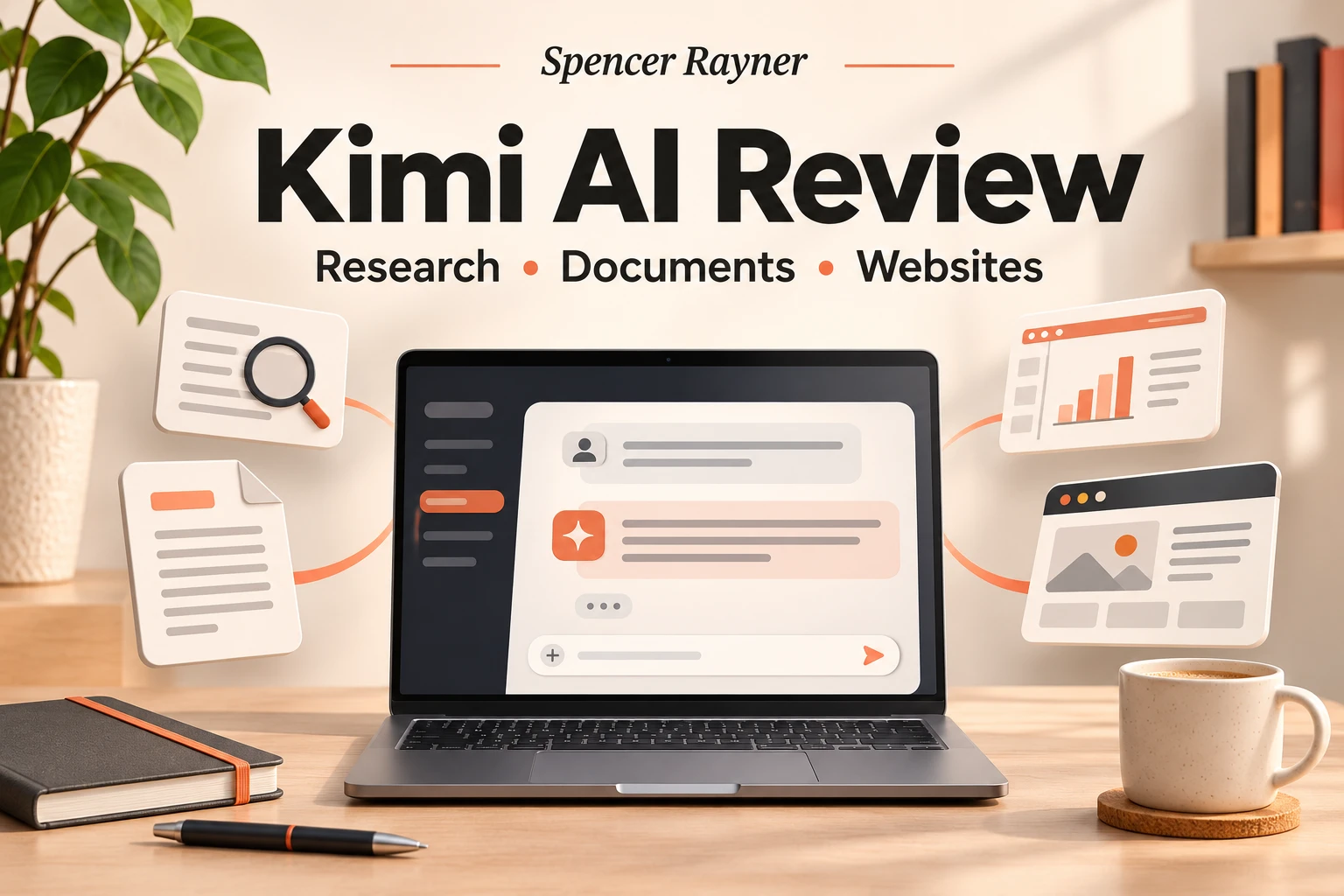
Kimi is an AI assistant developed by Moonshot AI. Its official overview describes web search, reasoning, support for different types of content and the ability to work with lengthy conversations. Alongside chat, it offers agents that can plan and carry out tasks involving research, documents, spreadsheets, presentations and websites.
You can access the service through its official website. For this review, I have used the international information at kimi.ai.
The features that stand out
Research with sources you can check
Kimi’s Deep Research feature is designed to investigate a topic and turn its findings into a structured report. According to its documentation, it can search the web and professional databases, include citations and provide several output formats.
For a small business, possible uses include researching customer questions, exploring a product category or gathering background information for a blog post.
The benefit I would look for is a clearer starting point: useful sources, a sensible structure and gaps worth investigating. A long report only helps if its evidence holds up when you open the links.
Help with Word documents and PDFs
Kimi Docs supports document generation, conversion and review, including Word and PDF workflows.
That makes it relevant to people creating guides, checklists, proposals and other business resources. If you sell digital downloads, I would start with a narrow brief: one audience, one problem and a clear result for the reader.
For example, you could ask it to organise your own notes into a practical checklist, then check every item and refine the layout. The editing stage is where you make the resource useful and give it your own voice.
Presentations and spreadsheets
Kimi also advertises tools for editable slides and spreadsheets, including formulas, charts and pivot tables.
Potential uses include a short workshop presentation, a content calendar or a spreadsheet for comparing campaign results. I would judge these outputs by how easy they are to edit and whether the figures and formulas are correct.
A polished appearance is helpful, but accuracy and usability matter more when you are sending work to a client.
Website creation from a brief
Kimi Build lets users describe a website or app idea and generate a starting version. Its official feature page also describes using images or video as input.
This is interesting for testing a landing page concept, exploring a portfolio layout or making an early prototype.
Before using a generated site for a business, I would check the mobile layout, forms, links, accessibility and how updates will work. If the page needs payments or customer follow-up, those connections need testing too.
How much does Kimi cost?
The international pricing guide currently lists these paid plans:
| Plan | Monthly billing | Annual billing, paid upfront |
|---|---|---|
| Plus | $19 per month | $180 per year |
| Pro | $39 per month | $372 per year |
| Max | $99 per month | $948 per year |
| Ultra | $199 per month | $1,908 per year |
These are US dollar prices. Check the checkout for the final amount and any applicable taxes or currency conversion costs.
Kimi’s Deep Research page also describes limited free access. Check the allowance available in your account rather than assuming unlimited use.
The main detail to understand is that membership features share a monthly credit pool. Using credits on one feature reduces what is available for others, and unused credits do not roll over. That means the subscription price alone does not tell you how much work your particular projects will cover.
What appeals to me—and what needs testing
The attraction is having several related tools in one workspace. Research can lead into a document, presentation or website concept, which could suit a small business owner working across different tasks.
However, I have not independently tested Kimi’s output quality, speed or reliability. Its published feature list cannot establish how well it will handle your files, your writing style or a complicated brief.
Before paying, I would test three things: whether the result is accurate, how much editing it needs and how much allowance the task consumes.
For a fair comparison with an AI tool you already use, give both the same brief and source material. Compare the finished work and the time spent correcting it. That will tell you more than a general claim that one assistant is “better”.
A useful first task to try
Choose something small that you already understand well. A one-page customer checklist is a good option because you can quickly spot missing steps or weak advice.
Specify the audience, the purpose, the length and the source material it should use. Ask it to flag missing information instead of inventing details. Then review the result before turning it into a download or publishing it.
This gives you a practical test without spending hours building a project around an unfamiliar tool.
My verdict: is Kimi AI worth considering?
Yes—particularly if your work involves research, documents, presentations or early website ideas.
Based on its documented capabilities, Kimi offers an interesting collection of tools for small businesses and creators. Whether it earns a paid place in your workflow depends on the quality of the work it produces for you and the amount of editing it saves.
Start with one real task, check the result carefully and watch the credit usage. If it consistently saves enough time to justify the cost, you have a reason to upgrade.
For more practical articles about AI, digital products and online marketing, visit Spencer Rayner.