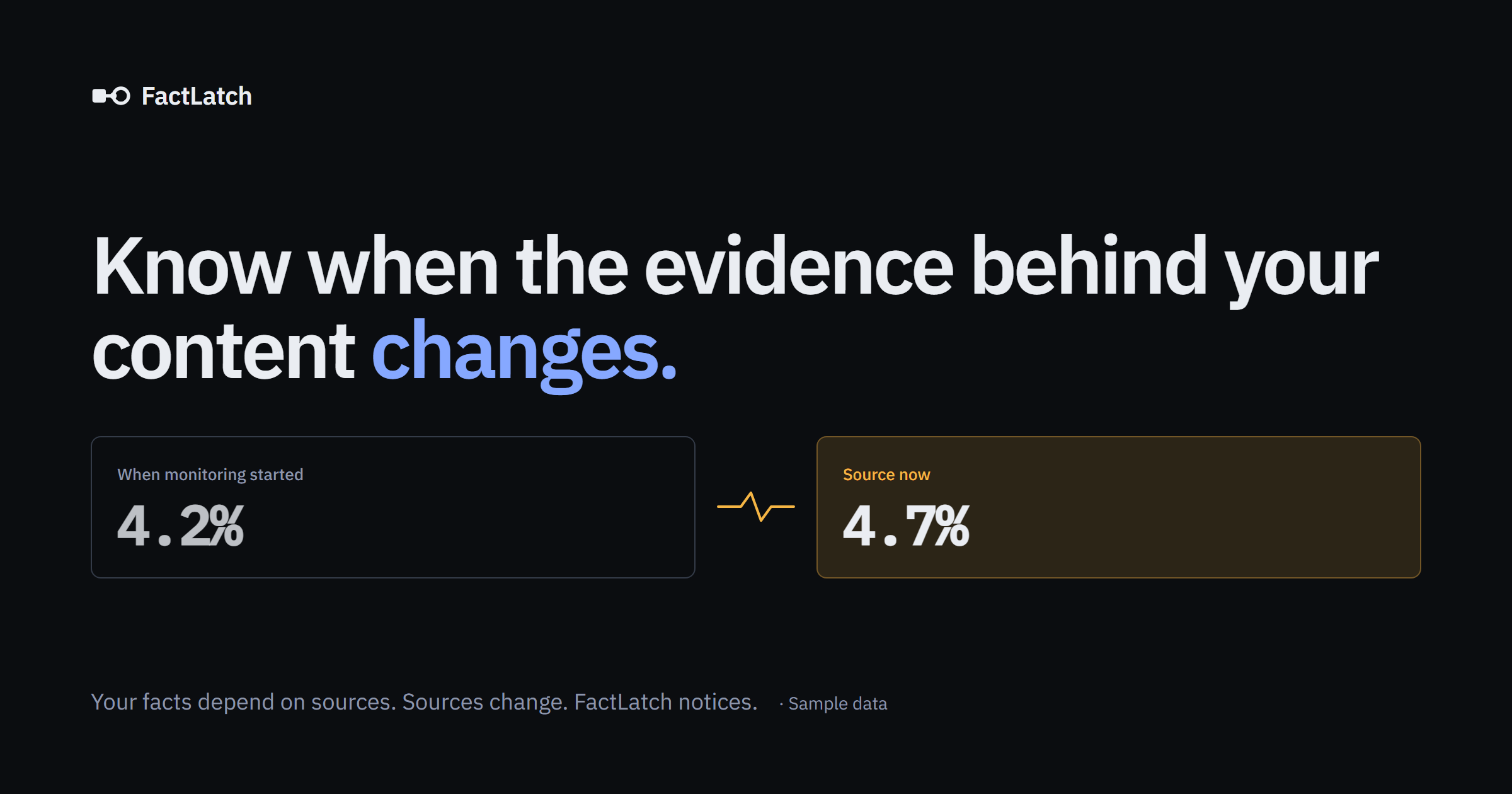
Review basis: An editorial assessment of FactLatch’s public website and documentation, checked on 12 October 2026. I have not tested a signed-in workspace or measured alert accuracy.
The quick verdict
A promising way to keep an eye on ageing content
I would consider FactLatch for a blog with software reviews, pricing comparisons or frequently changing statistics. The appeal is a clearer maintenance queue: which source changed, and which published information might need attention. Start small and judge it against your actual editorial workload.
Publishing an article is only the beginning. Six months later, a supplier may have changed its prices, a report may have been revised, and a plan you recommended may have different limits. For a small business managing its own blog, reopening every source is easy to put off. FactLatch addresses that ongoing maintenance problem.
What is FactLatch?
FactLatch describes a workflow for discovering information on public pages, confirming what is worth watching and checking it over time. It covers sourced claims as well as items such as tables and documents. Its free scanner can be used without registration; ongoing tracking requires an account and your selection of the items to watch.
My interpretation is that this could help a publisher prioritise updates. It does not establish that an entire article is accurate, and it does not promise better rankings. The useful outcome would be finding a meaningful change early enough to review your own wording.
How the workflow works
- Find candidates. Enter a website, individual page or document to discover information that might need ongoing attention.
- Confirm the target. Check the finding and the evidence before selecting it for tracking.
- Establish a reference point. The service reads the selected source again and retains a baseline for comparison.
- Make an editorial decision. Review the earlier and current information and decide whether your article needs an update.
The workflow explanation distinguishes a discovered citation from evidence that has actually been confirmed at the source. That matters: a link in a blog post might lead to a broad landing page rather than the precise figure the writer intended to support.
Where I would use it on a marketing blog
For my type of publishing, I would begin with three pieces of information that could change a reader’s decision:
- A software price: an entry-level subscription cost in a product review.
- A plan allowance: the number of websites, contacts or users included in a comparison.
- A cited statistic: a figure used to support a marketing recommendation.
These are suggested use cases, not results from a test. Before tracking any of them, I would make sure the source is specific and the article explains the date, currency or context. An alert is easier to act on when the original wording is precise.
Consider a fictional review that mentions a £20 monthly plan. If a vendor later advertises £25, an editor still needs to check whether this is the same plan, whether annual billing changes the comparison and whether the old price remains available to existing customers. The tool can point you towards the question; the update requires judgement.
Pricing and availability
On 12 October 2026, the pricing page says paid plans are not yet available and accounts begin on Free. The figures below are the displayed plan structure, rather than confirmation that you can purchase every tier today.
| Plan | Displayed price | Tracked items | Availability |
|---|---|---|---|
| Free | $0 | 3 | Current starting plan |
| Pro | $29/month | 25 | Paid plan not yet available |
| Growth | $79/month | 150 | Paid plan not yet available |
The pricing page lists hourly scheduled source checks. Email notifications and the weekly summary depend on email delivery being enabled. It assigns expanded history and CSV export to Pro and Growth. Scans have their own size and rate limits, and do not consume the tracked-item allowance.
For a small blog, my first question would be how far three carefully chosen items go. For a larger archive, count the information you would actually track before comparing the displayed costs. A single busy comparison page might contain several facts worth monitoring.
Benefits and limitations to weigh up
The strongest potential benefit is focus. A useful change queue could reduce the time spent revisiting unchanged sources. Before-and-after evidence could also make it easier to explain an update to a client or fellow editor. I would want to see that benefit in a real trial before claiming a particular time saving.
Coverage needs care. The website describes bounded scans of public material, not exhaustive access to every page on a site. Login-protected sources, unreadable files or pages that cannot be fetched can leave gaps. An uneventful dashboard should therefore not be taken as proof that every article remains current.
The trust explanation says ambiguous evidence is held for human review and unavailable sources are reported as access problems. That is a sensible distinction to look for when evaluating the product: a missing number does not automatically make the original statement false.
I have not verified the service’s reliability, email delivery or behaviour across different website platforms. Those are the points I would test first, alongside how easily I can trace a finding back to the article that needs editing.
My verdict: is FactLatch worth a look?
Yes, as a focused experiment for people who maintain content with changing facts. Software reviewers, comparison publishers and agencies with older client articles are plausible users. A mostly static brochure website may have less reason to add another tool.
I would choose a well-sourced article, try the free scan and select a few high-value items if the findings make sense. Then review how clearly the product explains what it found and what needs action. Success would mean useful maintenance decisions with less manual searching; that is the standard I would use to decide whether to continue.
Explore the free scan and current product detailsVisit FactLatchFrequently asked questions
Does FactLatch update my articles automatically?
No. Its documentation says changes to your website remain your responsibility.
Do I need a WordPress website?
The public scanner accepts website and page addresses. WordPress integration is a separate topic in its documentation. I have not tested platform-specific compatibility.
Is this a complete fact-checking service?
I would treat it as a monitoring aid. Whether a statement is correctly framed and supported still needs editorial review.
Related reading: Beaver Builder review and trusted data for AI and business automation.
Official sources checked 12 October 2026: Product overview; Workflow; Pricing; Trust; Documentation. Check the current site for changes to availability and features.